Atlanyas guide
One birth profile for your Atlanyas charts
Updated 5 October 2026 · AgemoWare LLC
Atlanyas uses a shared birth profile for its Human Design and natal-chart tools. Enter the details you know in the common flow, then review them before exploring either chart.
Complete the shared birth flow
After the introduction, follow the birth flow to enter your name if desired, date, time precision, and birthplace. The date field accepts a valid calendar date; the app checks incomplete or impossible dates. At the time step, record the exact local time if you know it. If you do not, choose the unknown option. The app does not treat a default time as a fact about your birth.
Search for the birthplace and select the matching result so Atlanyas can use its coordinates and time zone. Enter only a place name in that search field: the text is sent to Google Places to return matches. The birth date and time are not sent as part of that place search. Review the summary and complete the flow when the information is right. You may skip onboarding, but chart modules need a usable profile.
Use the profile across chart modules
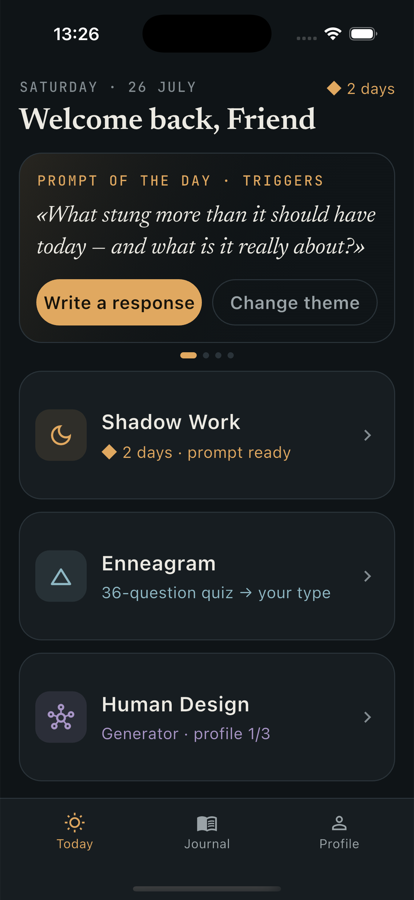
Open Human Design or Natal Chart from Home; both consume the shared profile. Human Design needs an exact resolved time for a personal bodygraph. The natal chart can provide supported date-only placements when time is unknown, while the Ascendant and houses require an exact recorded time. The Enneagram quiz and journal do not depend on birth details.
If you notice an error, open Profile or Settings and choose birth details. Each field can be edited separately, so you can correct a date, time, or place without restarting the full introduction. Save the change, then revisit the chart. Updated inputs can change calculated chart results and any later comparisons based on them.
Choose whether to use account backup
Atlanyas works without an account. Without signing in, the birth profile remains on the device and Atlanyas does not back it up. If you choose Google or Apple sign-in, versions with cloud backup store the birth profile in a private Firebase document tied to your account so it can be restored on another device.
People connections are a separate choice. They use account data and derived chart results for comparisons; full-chart access can allow a connected person's device to retrieve birth inputs for local calculations. Hiding exact details in the interface does not prevent an authorized device from receiving them. Connect only with someone you trust, and review the privacy policy to understand revocation and deletion limits. Journal entries remain on the device and are not part of birth-profile backup.
Keep in mind
Chart accuracy depends on the details you provide. Unknown-time inputs limit time-dependent chart features; optional sign-in and People connections involve different privacy choices described in the policy.
Common questions
Do I need an account to enter birth details?
No. Atlanyas can be used without an account. Optional sign-in enables account-based birth-profile backup in versions that offer it.
Where do I change my birth details?
Open Profile or Settings and choose birth details. You can edit individual fields and save the corrected profile.
Are my journal entries backed up with my birth profile?
No. Journal entries and private notes are stored on the device; the optional account backup concerns the birth profile.
Learn more in the common questions, or contact support.