Atlanyas guide
How to explore your natal chart
Updated 5 October 2026 · AgemoWare LLC
Atlanyas calculates a natal chart from the shared birth profile and provides explanations alongside the chart. Work from a chart element you can identify, then open its reading for context.
Open the chart and confirm your inputs
From Home, open the Natal Chart module. If you have not entered birth details, use the shared flow first. A natal chart uses your birth date and place; the recorded local time is needed for the Ascendant and houses. Selecting the correct birthplace helps the app resolve the applicable time zone. The chart is calculated on the device.
If you do not know your birth time, mark it unknown rather than choosing a convenient hour. Atlanyas can show supported date-only placements, while time-dependent features such as the Ascendant and houses remain unavailable. Some positions can change within a day, so do not assume every date-only placement is fixed for all possible times.
Read the wheel one element at a time
Start with a planet or point on the chart wheel and open its detail. The reading connects a calculated position with its sign and, when supported by a known time, its house. Take note of the underlying chart fact shown with the interpretation so you can tell a placement from the meaning Atlanyas associates with it.
Then explore aspects: these describe angular relationships between chart positions. A configuration groups multiple relationships into a broader pattern. Open each part individually before trying to understand the configuration as a whole. A reading is a prompt for thought; you do not need to agree with every general description or treat it as a fixed account of your character.
Use dated readings as prompts
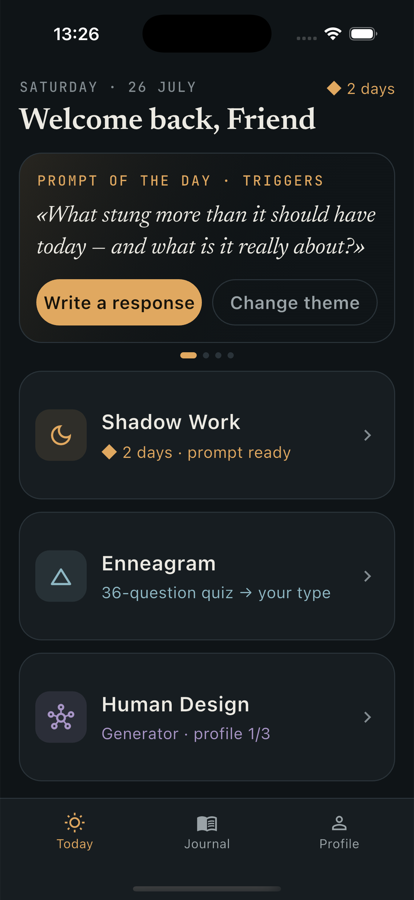
The Today area relates current sky positions to your natal chart and dates its readings. Look at the date and the chart comparison before reading the text. Use it as a timely reflection prompt rather than a promise that an event will occur. The app's saved readings and bookmarks can help you return to material you want to consider later.
Your chart is calculated from the birth profile shared across Atlanyas tools. If you correct the time or place, chart results can change. Optional account backup stores your profile in a private Firebase document when you sign in; without sign-in, Atlanyas does not back up the profile. Connections have separate sharing controls and privacy implications.
Keep in mind
Astrology in Atlanyas is for reflection, not prediction or professional advice. Incomplete or uncertain birth information limits the chart features that can be interpreted reliably.
Common questions
Do I need an exact birth time?
A recorded exact time is needed for the Ascendant and houses. Atlanyas supports a date-only path for unknown time, with those time-dependent features left unavailable.
What are aspects?
They are angular relationships between chart positions. Atlanyas provides readings for individual aspects and for supported configurations.
Does Today predict what will happen?
No. Today readings are dated reflections based on the chart comparison, not forecasts or guarantees.
Learn more in the common questions, or contact support.